Updates
Craft and plugin updates across every site
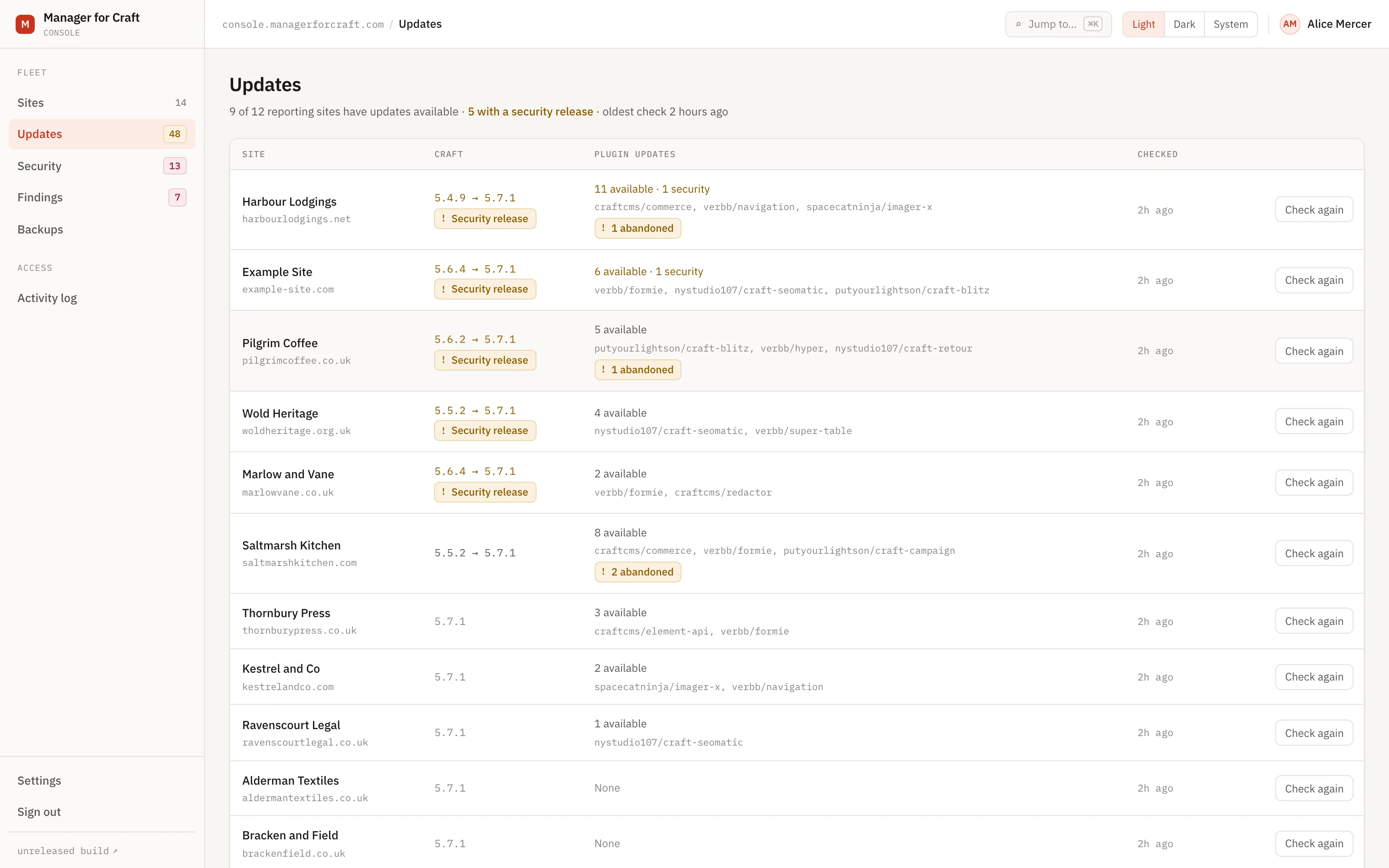
Manager collects the update position of every Craft site you manage once a day and shows it in one list. It tells you which updates are security releases and which will break on the way through. It does not install anything.
Fourteen days, no card. Craft CMS 4.4 and later.
Why update tracking goes wrong
A Craft security release is announced on a Thursday. It affects three of the forty sites you look after. Nobody is quite sure which three, so either everybody checks everything or the release sits unnoticed for nine days.
Checking by hand means opening each control panel, which is slow enough that it happens weekly at best, and it produces a number that is out of date by the time you have finished writing it down.
How updates are collected
-
The connector asks Craft
Once a day, the connector calls the same update service the Craft control panel uses. Manager never reaches into your site and never contacts Packagist on your behalf.
-
The answer is reduced to facts
Current version, latest version, how many releases behind, whether a security release sits between the two, and whether the next version is a breaking change. Per plugin, the same, plus whether the plugin is abandoned.
-
Release notes arrive, without naming who is exposed
A site forwards the notes its own Craft already downloaded from the Plugin Store, so you can read what changed beside the version numbers rather than going to find somebody else's changelog. They are stored against a plugin and a version with no site column and no organisation column, and stripped out of the per-site report, so the database cannot express which of your sites is behind which described vulnerability even if something asked it to.
-
Checks are spread out
Each site runs its daily check at a jittered minute, so forty sites do not arrive at Craft's update service in the same second.
-
Compatibility comes with it
Composer conflicts are reported alongside the version numbers, so an update that cannot resolve against the rest of the site is visible before you set aside an afternoon for it.
-
You see it in one place
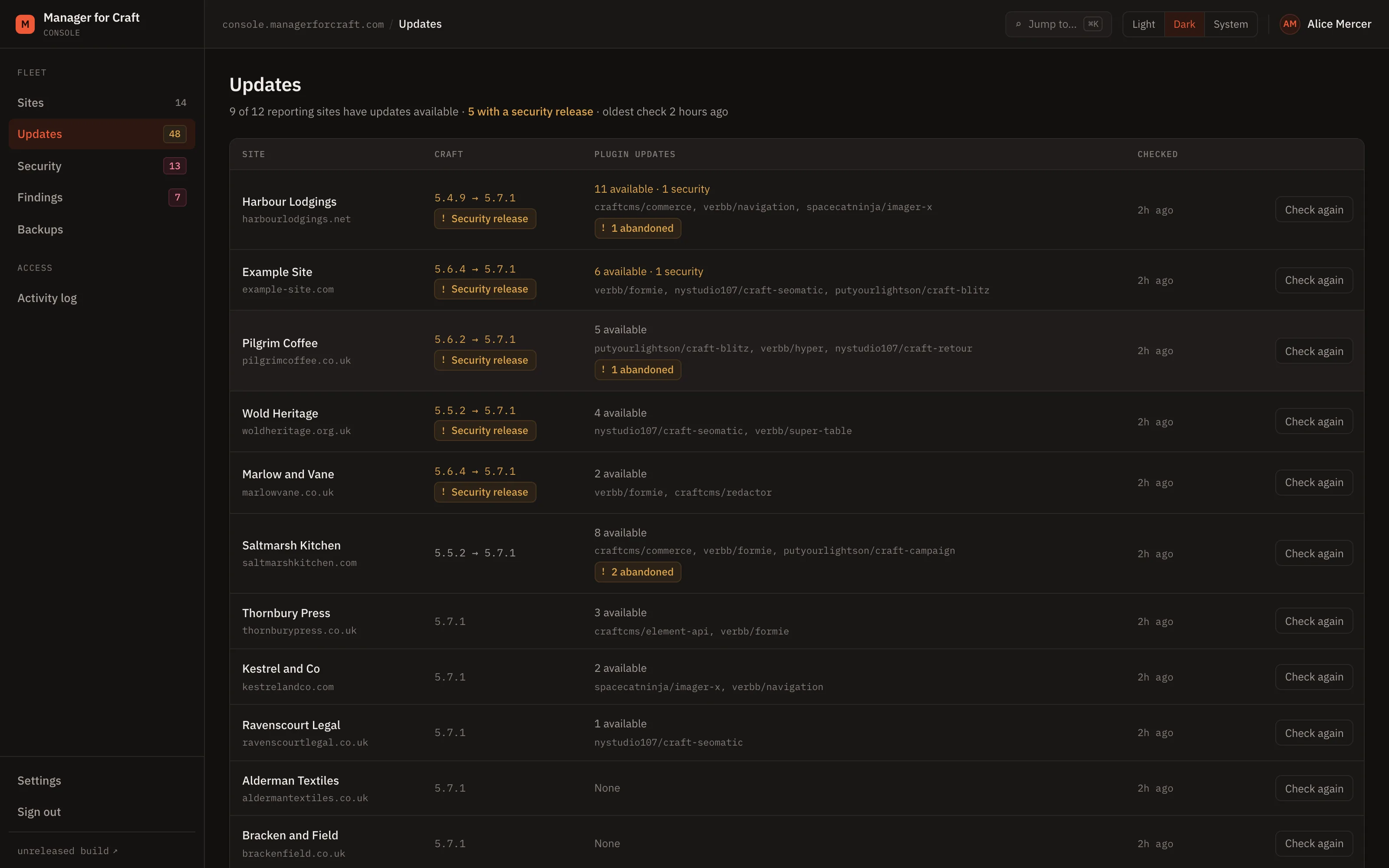
One screen, one row per site, sorted so the sites with a security release outstanding are the ones you read first. "Which of these needs me today" is answered without opening anything.
What you get, and what you do not
Security releases flagged per site and per plugin
Taken from the critical release flag Craft itself publishes. An outstanding Craft security release opens a critical finding; a plugin one opens a high finding.
Breaking changes marked
Where the next available version crosses a breakpoint, the row says so, so a routine slot does not become a migration.
PHP end of life
The site reports its PHP version and Manager knows when that version stops receiving security fixes.
Abandoned plugins surfaced
A package the maintainer has walked away from is a decision waiting to happen, not an update.
Manager does not install updates
This is the product, not a gap in it. Installing requires filesystem write access and command execution on your servers, which is the credential we have gone to some trouble not to hold.
Nothing needs relaxing to use it
allowUpdates can stay off. Craft's update service still answers a check. Manager treats the updater being enabled in production as a low-severity finding of its own.
The outcome
On Monday morning you can answer what changed, what is outstanding and what is urgent across all your sites before the first client call, and apply the updates through your normal deployment pipeline.
Read how it works
The documentation lives in the public repository, next to the code it describes, and every page carries a link to edit it.
Related
-
Monitoring your Craft sites for exposure
Sixteen rules for exposure alone. Findings open with a severity, and close themselves when the site is fixed.
-
Craft and plugin licence status across all your sites
Editions, trials, expiries and domain mismatches, worked out on the site. Licence keys are never transmitted.
-
Alerts for the issues that need a person
Five events, by email or webhook, filtered by severity. Queued, so a slow endpoint never delays a site report.
See all your sites in about five minutes
Add a site, install the connector with Composer, paste the one-time code. The control panel updates within minutes. Fourteen days free, no card required, and nothing on your sites changes.
Craft CMS 4.4 and later